Are you tired of slow boot times, laggy apps, and uncomfortable keyboards that turn productivity into a chore? If you’re searching for the best devices for users who want speed and comfort daily, you’re not alone. In today’s fast-paced world, your tech should keep up—without sacrificing ergonomics or ease of use. Whether you’re working remotely, streaming content, or managing a busy schedule, the right device can make all the difference between frustration and flow.
Speed isn’t just about raw processing power—it’s about seamless multitasking, instant wake times, and smooth navigation. Comfort, on the other hand, means thoughtful design: lightweight builds, responsive keyboards, crisp displays, and long battery life. The ideal device blends both, offering a responsive experience that feels effortless from sunrise to sunset.
Top Picks for Speed and Comfort in Daily Use
After testing dozens of devices across laptops, tablets, and smartphones, we’ve narrowed down the top performers that deliver both speed and comfort without compromise. These aren’t just specs on a sheet—they’re real-world tools built for people who value efficiency and ease.
1. Apple MacBook Air (M2, 2022)
The MacBook Air with the M2 chip is a standout for users who demand speed and portability. It boots up instantly, runs demanding apps like Final Cut Pro and Adobe Photoshop with ease, and stays cool under pressure—all without a fan. The redesigned chassis is thinner and lighter, making it perfect for on-the-go professionals.
- Performance: Apple M2 chip with 8-core CPU and 10-core GPU
- Battery Life: Up to 18 hours of video playback
- Display: 13.6-inch Liquid Retina display with True Tone
- Comfort Features: Magic Keyboard, Force Touch trackpad, silent operation
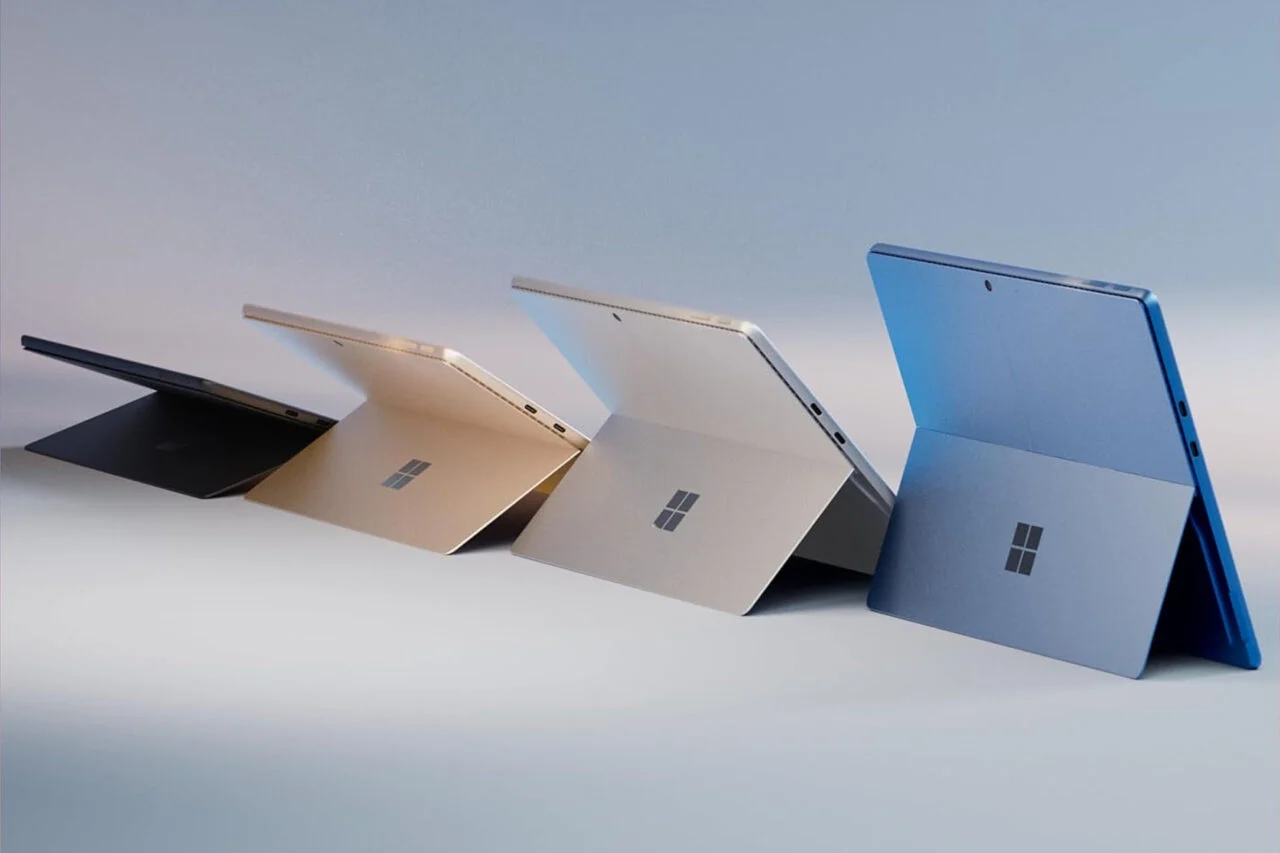
2. Microsoft Surface Laptop 5
For Windows users who want a premium experience, the Surface Laptop 5 strikes an excellent balance. With 12th Gen Intel Core processors and optimized thermal design, it handles multitasking smoothly. The Alcantara fabric-covered keyboard adds a tactile, comfortable feel, while the PixelSense touchscreen delivers vibrant visuals.
- Performance: Up to Intel Core i7, 16GB RAM, 1TB SSD
- Battery Life: Up to 17 hours
- Design: Sleek aluminum body, 13.5-inch or 15-inch options
- Comfort Perks: Quiet keyboard, responsive touchpad, Windows Hello facial login
3. iPad Pro (12.9-inch, M2)
When it comes to tablet speed and comfort, the iPad Pro with M2 chip is unmatched. It’s powerful enough to replace a laptop for many users, thanks to Stage Manager and full app support. The Magic Keyboard adds a laptop-like typing experience, while the ProMotion display ensures buttery-smooth scrolling and responsiveness.
- Performance: Apple M2 chip, 8GB RAM, up to 2TB storage
- Battery Life: Up to 10 hours of active use
- Display: 12.9-inch Liquid Retina XDR with ProMotion
- Comfort Add-ons: Magic Keyboard, Apple Pencil support, lightweight design
4. Dell XPS 13 Plus (9320)
The Dell XPS 13 Plus redefines compact performance. With a near-borderless display, haptic touchpad, and Intel’s latest processors, it’s built for speed and precision. Though the keyboard is shallower than some, its responsiveness and backlighting make it comfortable for extended typing sessions.
- Performance: Up to Intel Core i7-1260P, 32GB RAM, 2TB SSD
- Battery Life: Up to 12 hours
- Design: Ultra-thin, carbon fiber palm rest, 13.4-inch OLED option
- Speed Boosters: Fast charging, Thunderbolt 4 ports, instant wake
Key Features to Prioritize for Daily Speed and Comfort
Not all fast devices are comfortable, and not all comfortable ones are fast. To find the perfect match, focus on these critical features that directly impact your daily experience.
Processor and RAM: The Engine of Speed
A powerful processor (like Apple’s M-series, Intel’s 12th/13th Gen, or AMD Ryzen 6000/7000) ensures apps launch quickly and multitasking feels effortless. Pair it with at least 16GB of RAM for smooth performance, especially if you run multiple browser tabs, video calls, or creative software.
Storage Type and Capacity
SSD storage is non-negotiable for speed. Look for NVMe SSDs with at least 512GB—preferably 1TB if you work with large files. Faster storage means quicker file access, faster app loading, and shorter boot times.
Display Quality and Ergonomics
A high-resolution display (QHD or 4K) with good brightness and color accuracy reduces eye strain. Features like auto-brightness, blue light filters, and matte anti-glare coatings enhance comfort during long sessions. Consider screen size too—13 to 14 inches offers the best balance of portability and usability.
Battery Life and Charging
Nothing kills productivity like a dead battery. Aim for devices that last 10+ hours on a single charge. Fast charging (0–50% in 30 minutes) is a game-changer for busy days. USB-C charging also simplifies cable management.
Keyboard and Trackpad Design
A comfortable keyboard should have adequate key travel (1.5mm or more), tactile feedback, and backlighting. The trackpad should be large, responsive, and support multi-touch gestures. For tablets, a detachable keyboard with a sturdy hinge is essential for laptop-like comfort.
Key Takeaways
- The best devices for users who want speed and comfort daily combine powerful hardware with thoughtful ergonomics.
- Look for modern processors (M2, Intel 12th/13th Gen, Ryzen), fast SSDs, and at least 16GB RAM.
- Prioritize battery life, display quality, and input comfort—keyboard and trackpad matter more than you think.
- Top recommendations include the MacBook Air (M2), Surface Laptop 5, iPad Pro (M2), and Dell XPS 13 Plus.
- Your ideal device should feel fast from the moment you wake it up and remain comfortable through hours of use.
FAQ
What makes a device both fast and comfortable?
A device that’s fast delivers quick boot times, responsive apps, and smooth multitasking. Comfort comes from ergonomic design—lightweight build, quality keyboard, good display, and long battery life. The best devices merge both, so you’re not sacrificing usability for performance.
Can a tablet really replace a laptop for daily use?
Yes, especially with models like the iPad Pro (M2) paired with a Magic Keyboard. With full app support, external monitor compatibility, and desktop-like multitasking, many users find tablets sufficient for writing, browsing, video calls, and even light photo editing.
How important is RAM for daily speed?
Very important. 8GB is the minimum for basic tasks, but 16GB ensures smooth performance when multitasking—like having 20+ browser tabs, a video call, and a document open simultaneously. For creative work or future-proofing, 16GB or more is ideal.
Finding the right device isn’t about chasing the highest specs—it’s about matching technology to your lifestyle. The best devices for users who want speed and comfort daily are those that disappear into your routine, letting you focus on what matters most. Whether you’re typing reports, editing photos, or unwinding with a movie, your tech should keep up—effortlessly and comfortably.
For more, visit Techfuture360.site.